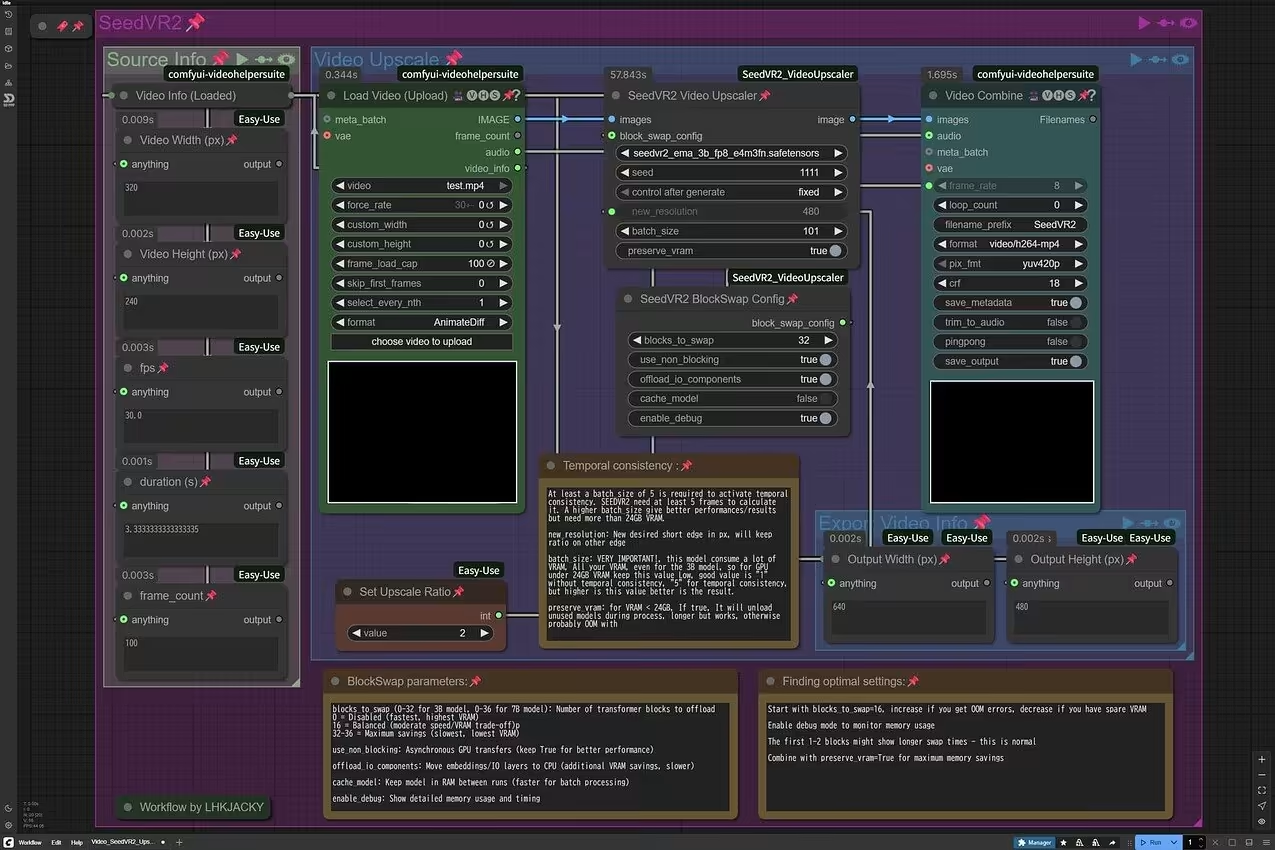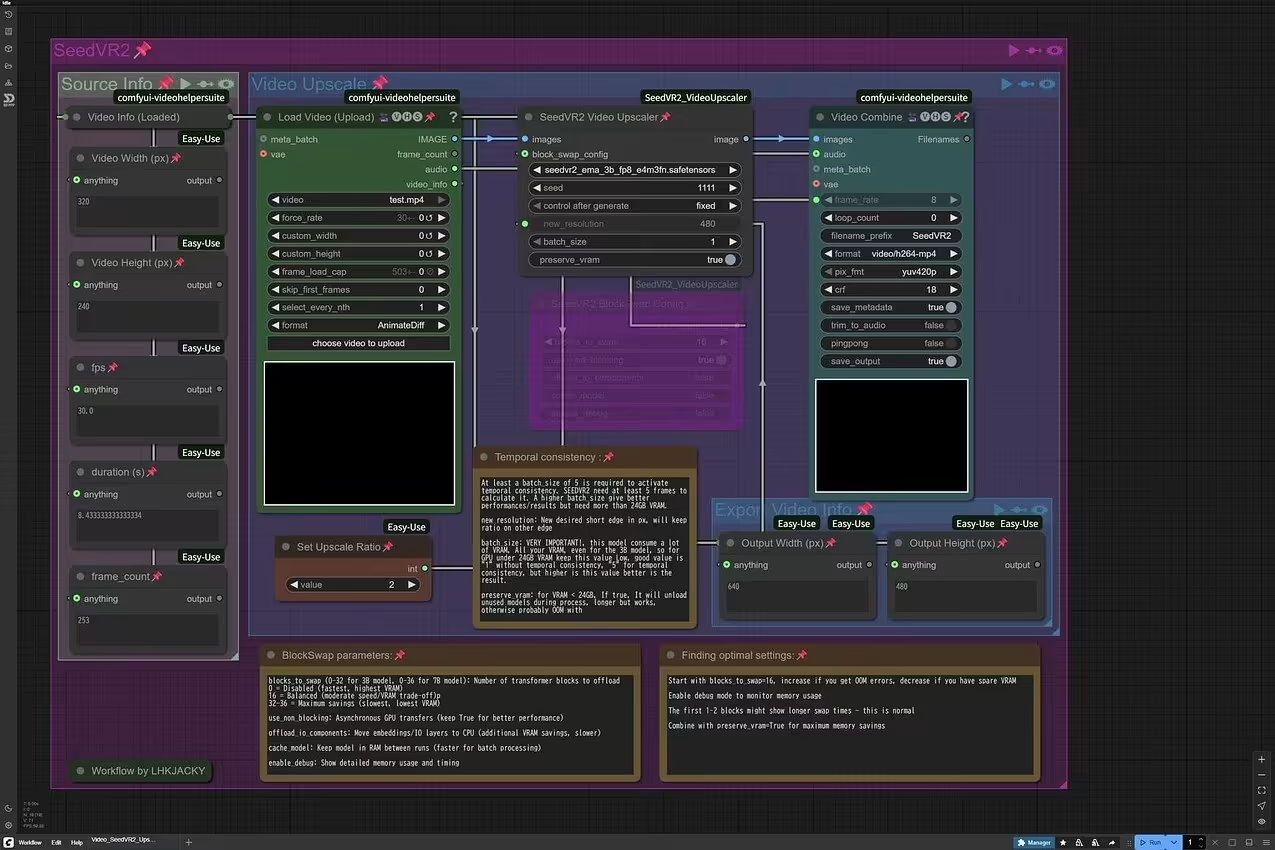
Here is my Comfy Workflow 
Video_SeedVR2_Upscale_LHKJACKY (1).json (21.9 KB)
Note: If your GPU have more VRAM, you can increase the batch size and use larger size model to get better quality. At this moment, the further reduce VRAM BlockSwap function seem not working yet.
Update:
Kudos to the developer! The BlockSwap bug was fixed and updated within a single day. 

With the BlockSwap function enabled, now we can increase the batch size on low VRAM GPU without OOM.