オープンソースのComfyUI-SeedVR2ビデオアップスケーラー

Overview

SeedVR2 is an advanced one-step diffusion-based video restoration (VR) model designed for real-world applications, developed collaboratively by researchers from Nanyang Technological University and ByteDance Seed, the AI research division of ByteDance, the parent company of TikTok. Leveraging adversarial post-training (APT) and innovative architectural enhancements, SeedVR2 achieves high-quality video restoration in a single sampling step, significantly outperforming traditional multi-step diffusion-based VR methods in both speed and performance.

Key Features

  • One-Step Sampling: Unlike conventional diffusion models requiring tens of steps, SeedVR2 performs video restoration in a single step, drastically reducing computational latency.

  • High-Resolution Capability: Optimized for resolutions up to 1080p, SeedVR2 delivers fine details and enhanced visual realism, addressing challenges in high-resolution VR.

  • Efficiency: SeedVR2 is over four times faster than existing diffusion-based VR methods, such as VEnhancer, UAV, MGLD-VSR, and STAR, while maintaining comparable or superior visual quality.

  • Adaptive Window Attention: A novel mechanism dynamically adjusts window sizes to fit input resolutions, eliminating boundary artifacts and enhancing robustness for high-resolution videos.

  • Adversarial Post-Training (APT): Utilizes a pre-trained diffusion transformer (SeedVR) as initialization, followed by adversarial training against real data, avoiding reliance on teacher models and their biases.

  • Feature Matching Loss: Replaces computationally expensive LPIPS loss with an efficient feature matching loss, extracting features from the discriminator to stabilize training and improve restoration quality.

Training Details

  • Hardware: Trained on 72 NVIDIA H100-80G GPUs

  • Data: Utilizes 10M synthetic image pairs and 5M video pairs


Free Open-source Video Upscaler from GitHub

Comfy UI:

Installation is very simple.

  1. Just open ComfyUI and search “SeedVR2” in Comfyui-Manager.

  2. Click install, then restart Comfy

All requirements will be installed automatically
All the required Models and VAE will be download automatically when you Run the first time.

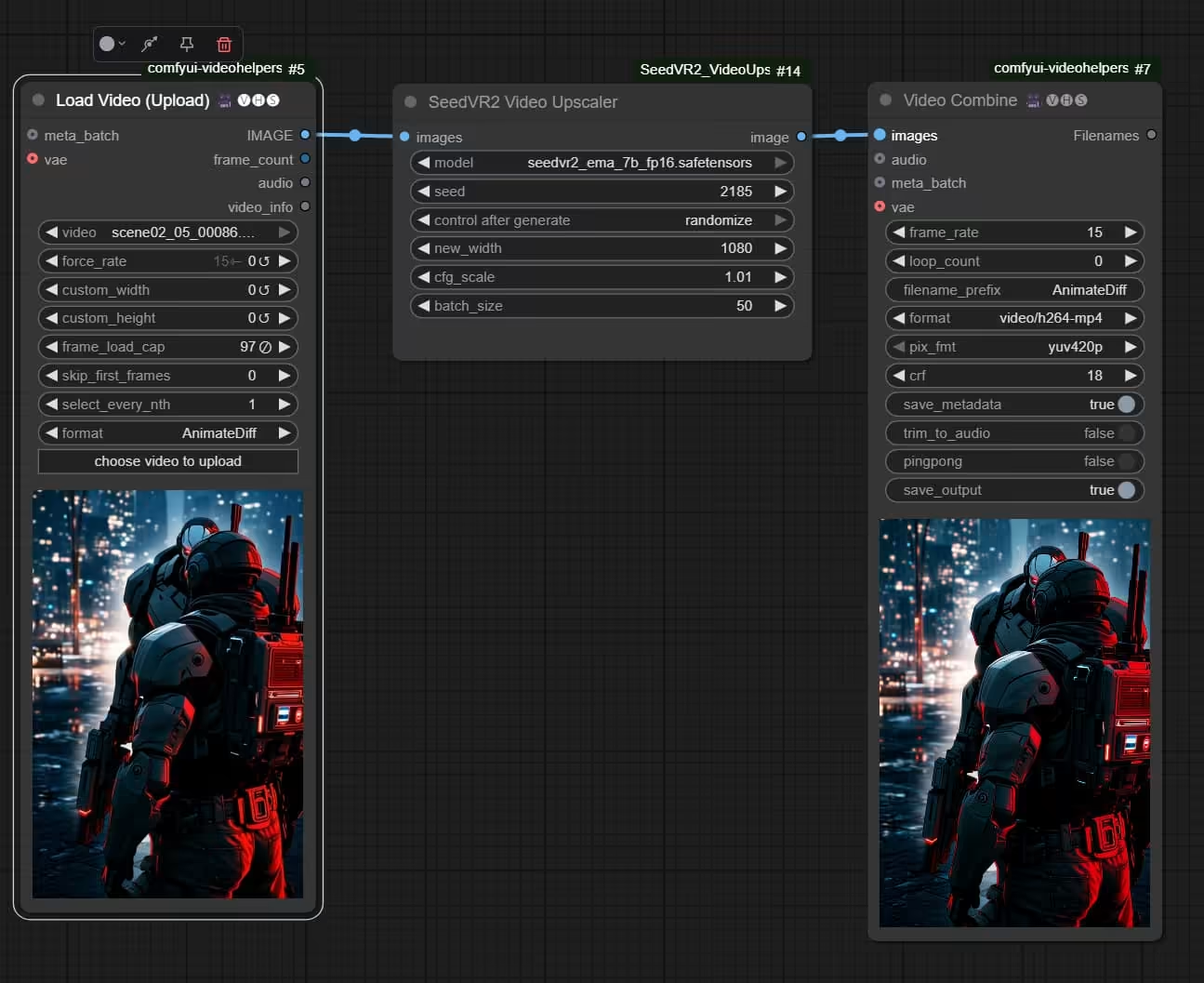
The simiplest way is to follow the example from Github:

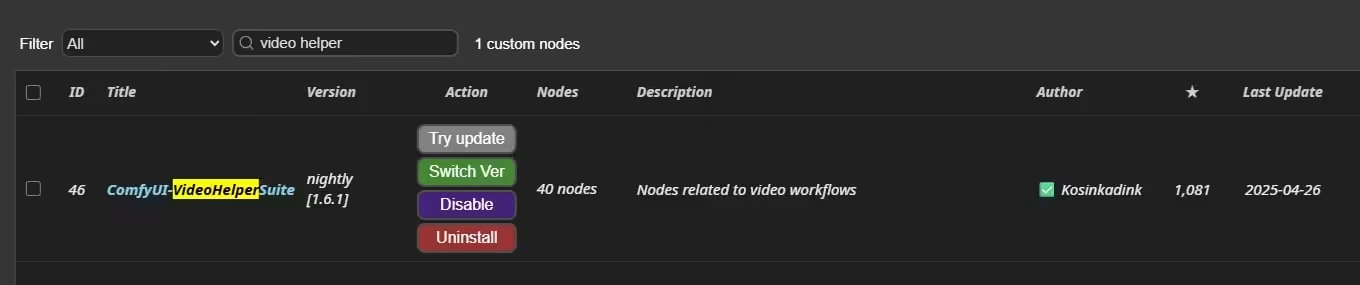
Note: If you havn’t installed Video Helper Suite before then you might want to install it as well.


Update 1:
I am using the portable version of ComfyUI. If the Manager isn’t included by default in the portable version, you may have to install it manually.

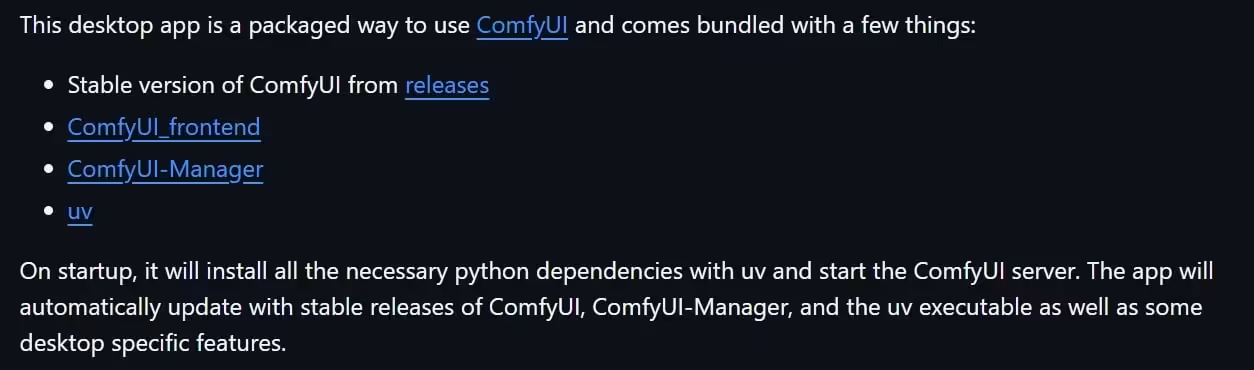
The new Desktop version should include Manager by default when you install it. However, when I tested the Desktop version last year during early access to the pre-release version, it was rather unstable. I’m not sure how much it has improved since then.

Alternatively, you can install the Video Helper Suite without using the Manager:


Note: The Original Post in TopazLab Forum has been deleted.

But you can still find the archived page here.

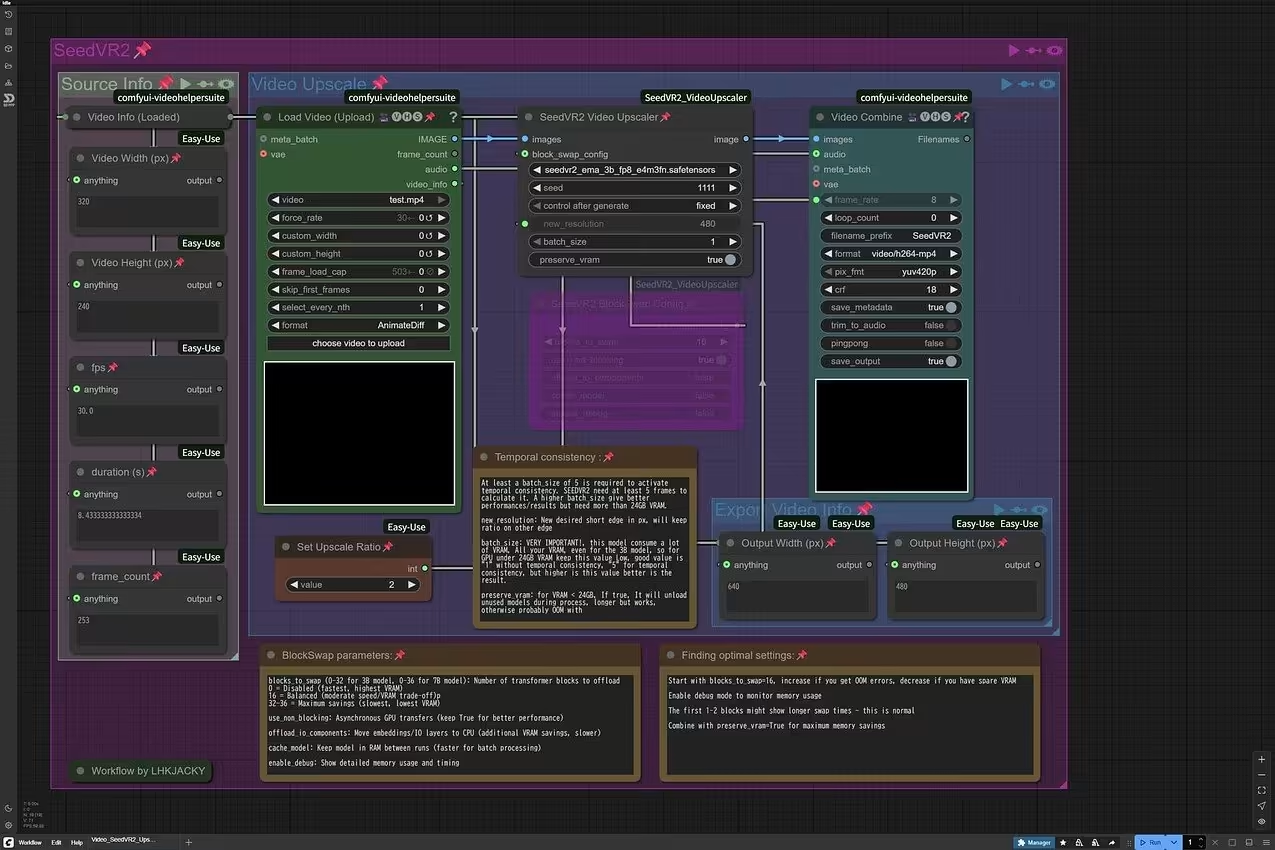
Here is my Comfy Workflow :kissing_face_with_closed_eyes:

Video_SeedVR2_Upscale_LHKJACKY (1).json (21.9 KB)

Note: If your GPU have more VRAM, you can increase the batch size and use larger size model to get better quality. At this moment, the further reduce VRAM BlockSwap function seem not working yet.


Update:
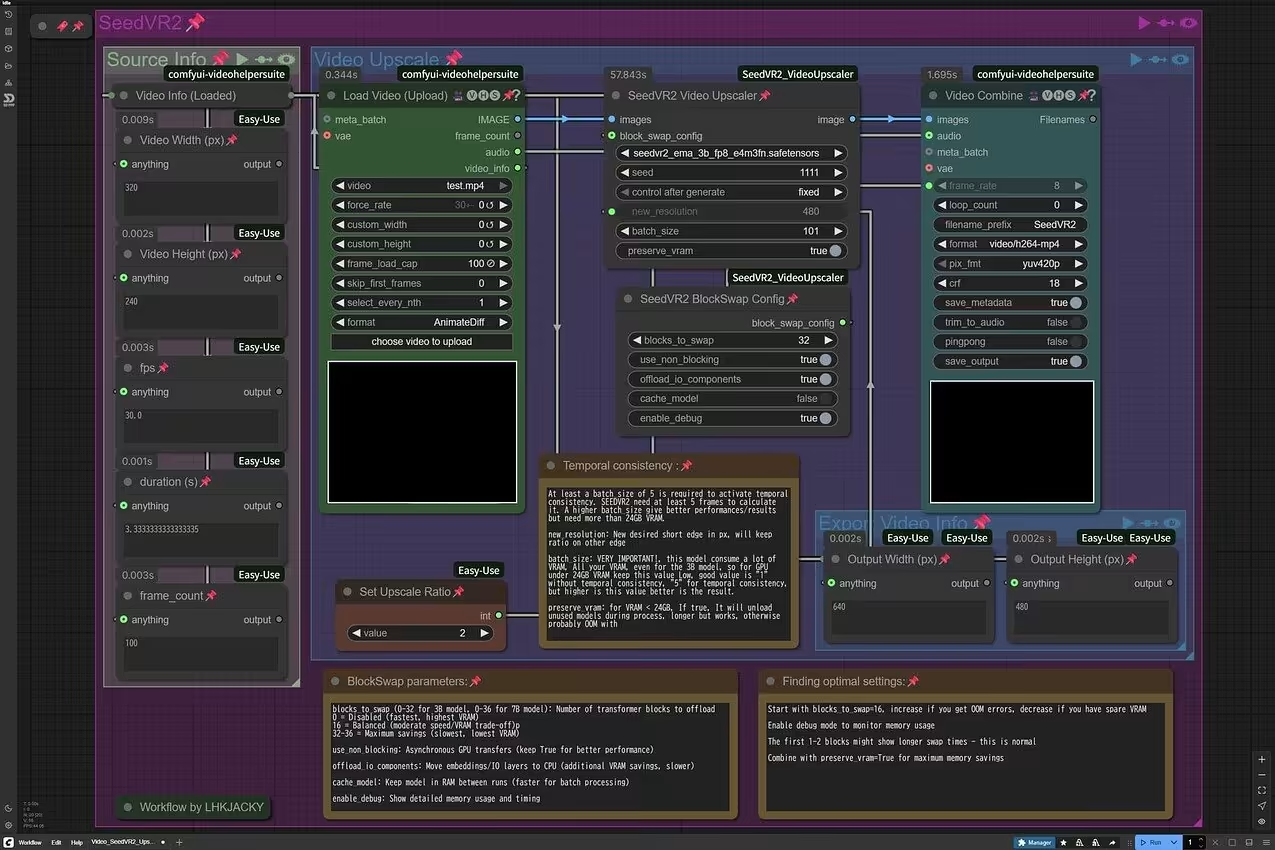
Kudos to the developer! The BlockSwap bug was fixed and updated within a single day. :+1: :100:
With the BlockSwap function enabled, now we can increase the batch size on low VRAM GPU without OOM. :tada: :confetti_ball:

In the past, early versions of ComfyUI required you to install the Manager manually, but if I recall correctly, recent versions of ComfyUI should include the Manager by default. :thinking:

The position of the Manager button may vary depending on your settings and version.

If the Manager isn’t included by default, you can always install it manually:

Alternatively, you can install the Video Helper Suite without using the Manager:


Update:
May be Manager is only included by default in the Desktop version only? :thinking: