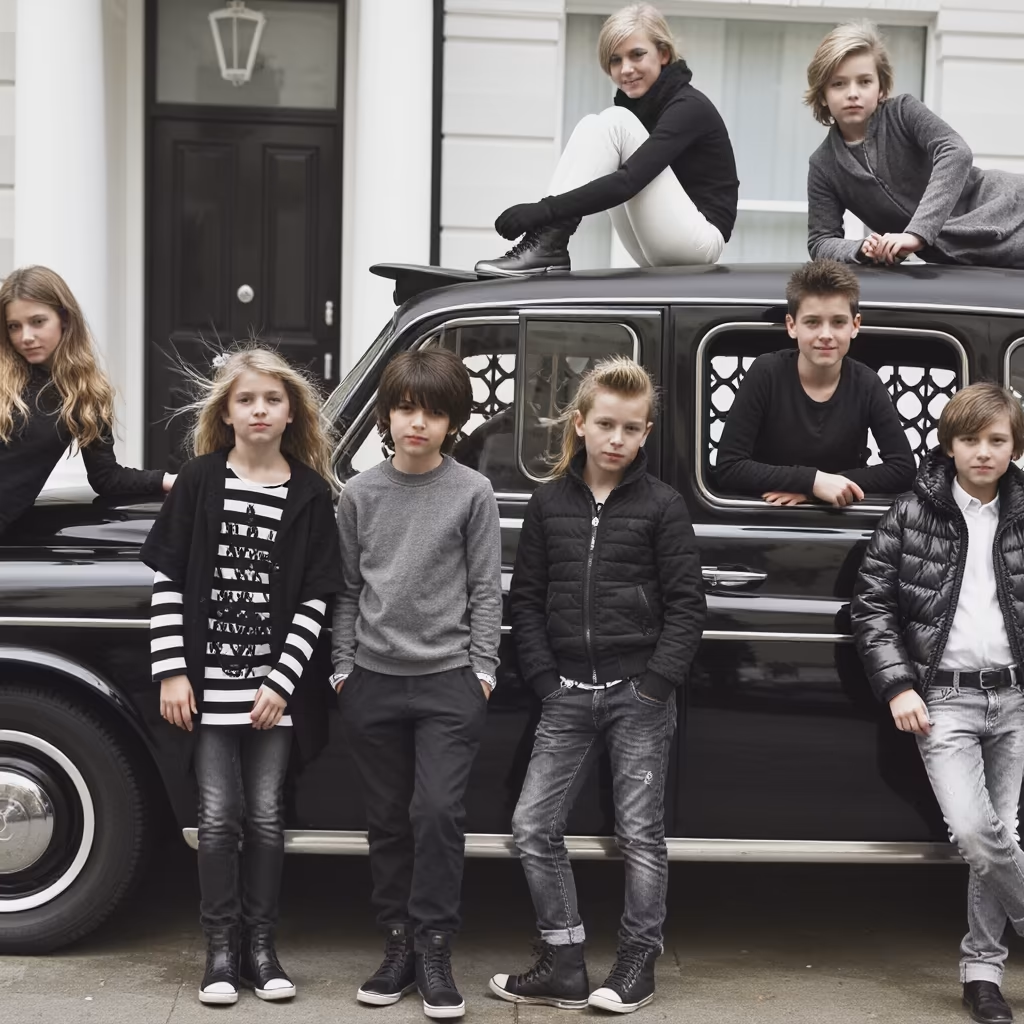
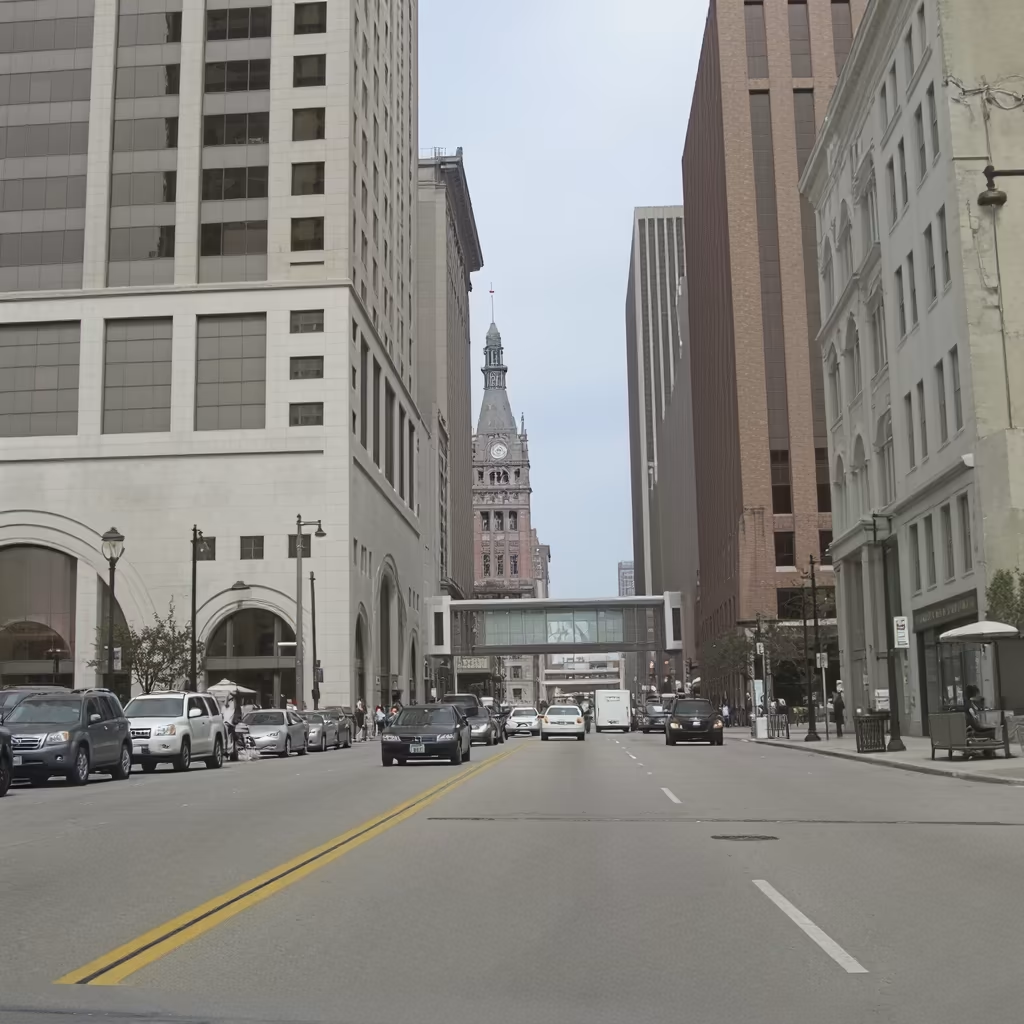
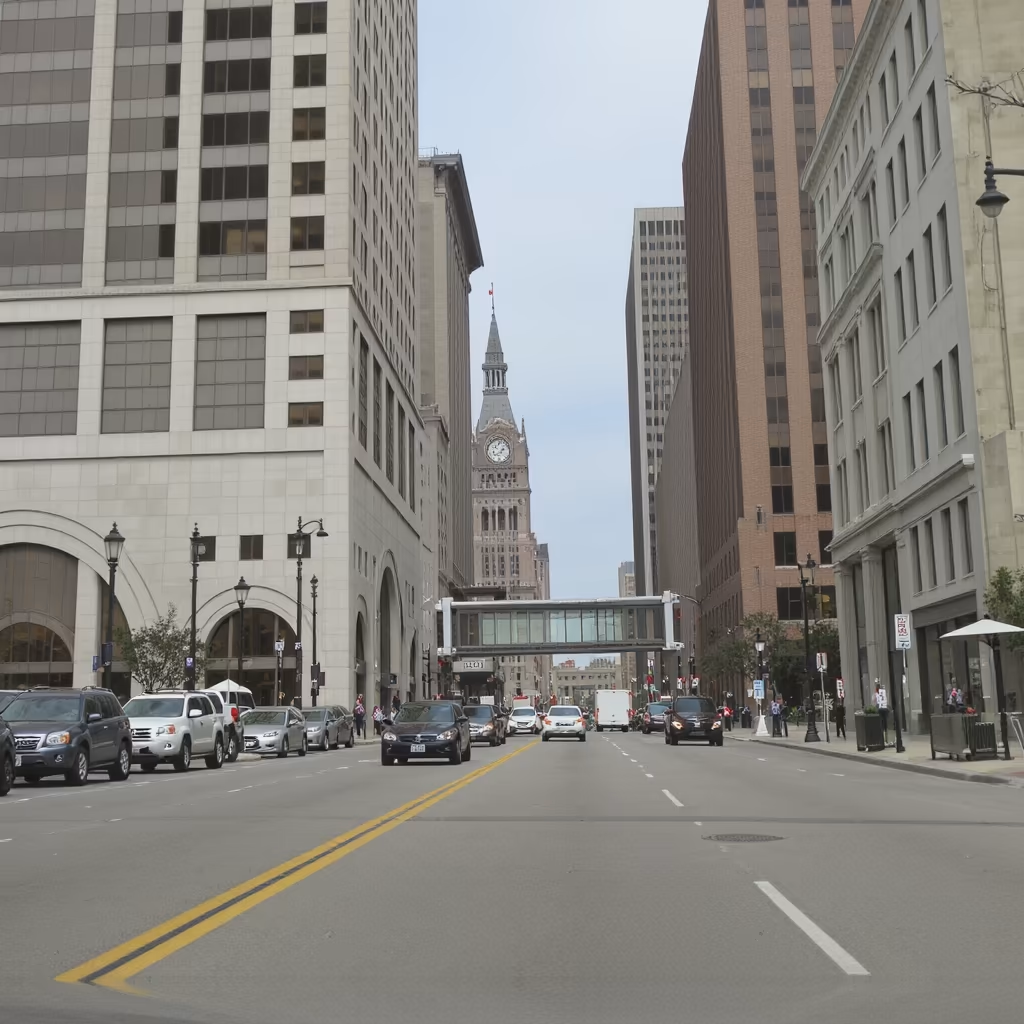
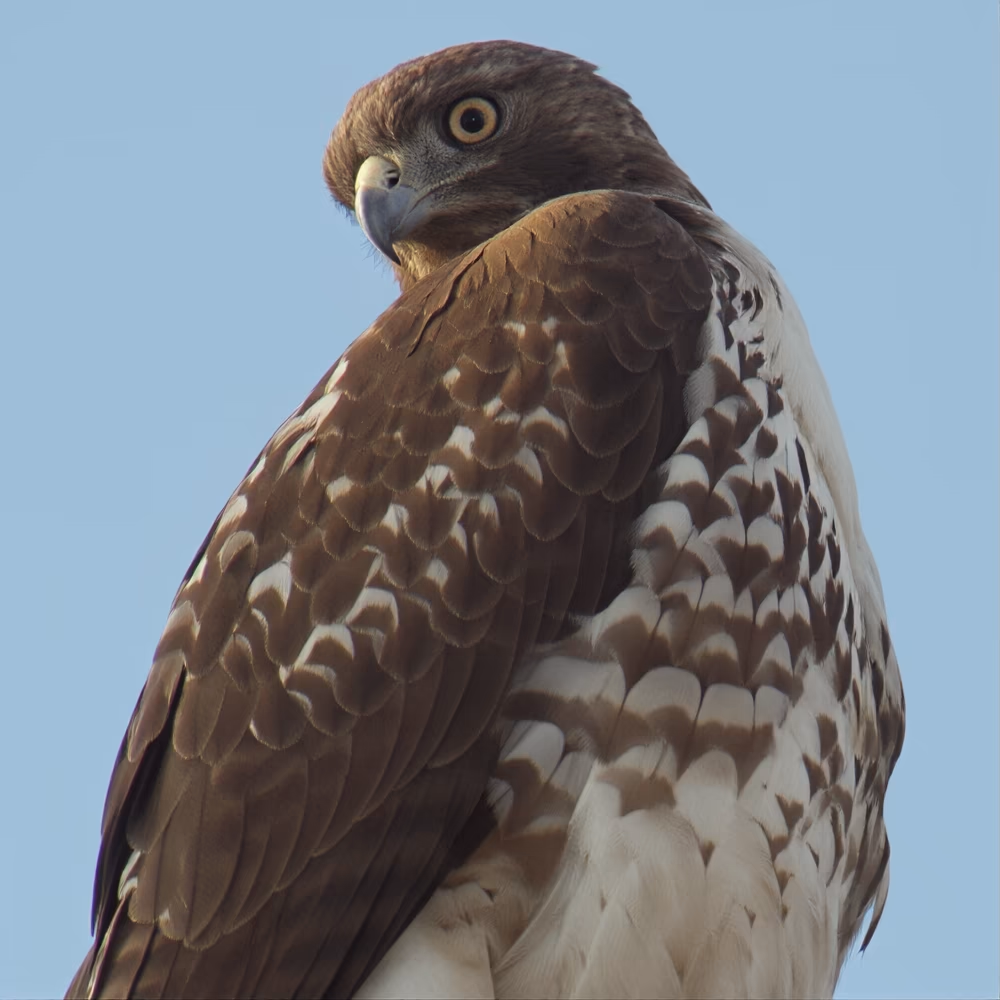
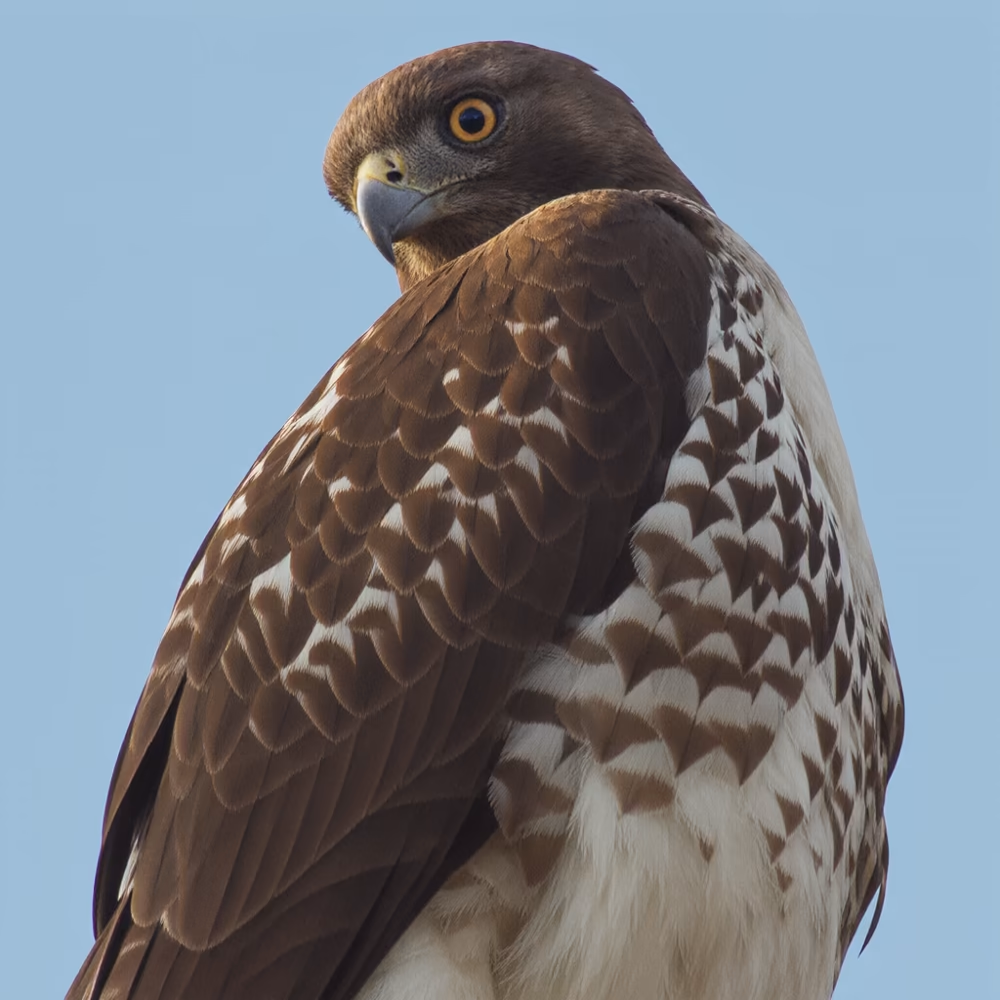
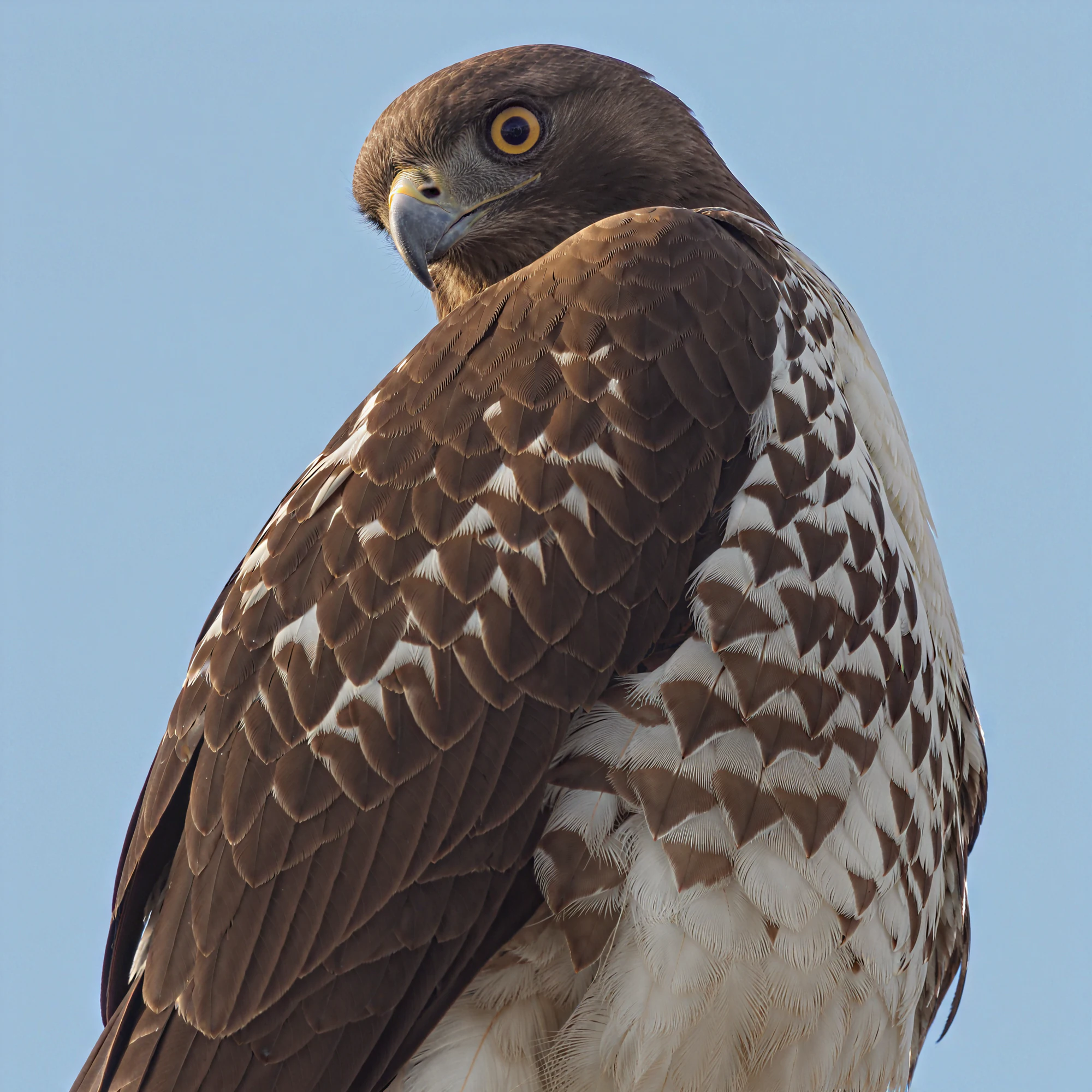
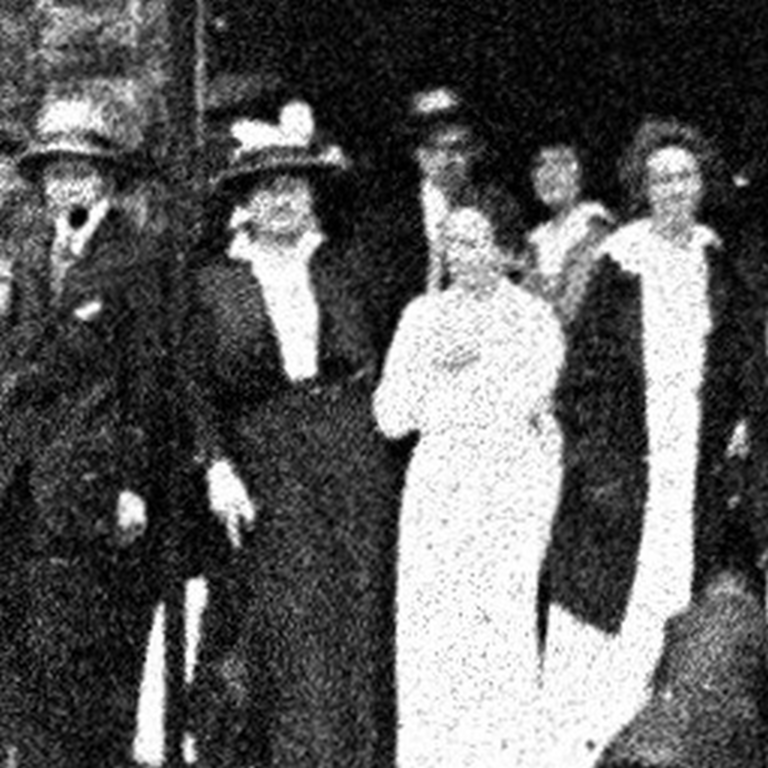
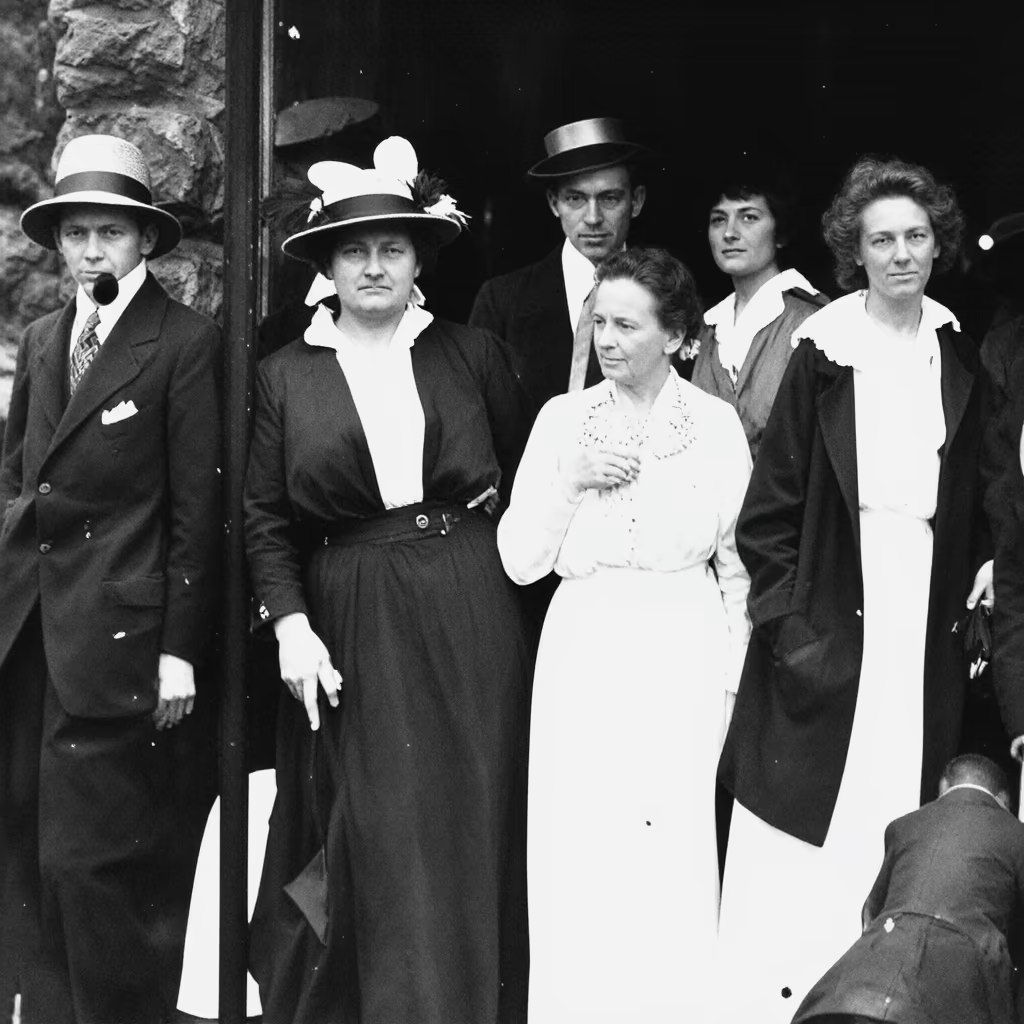
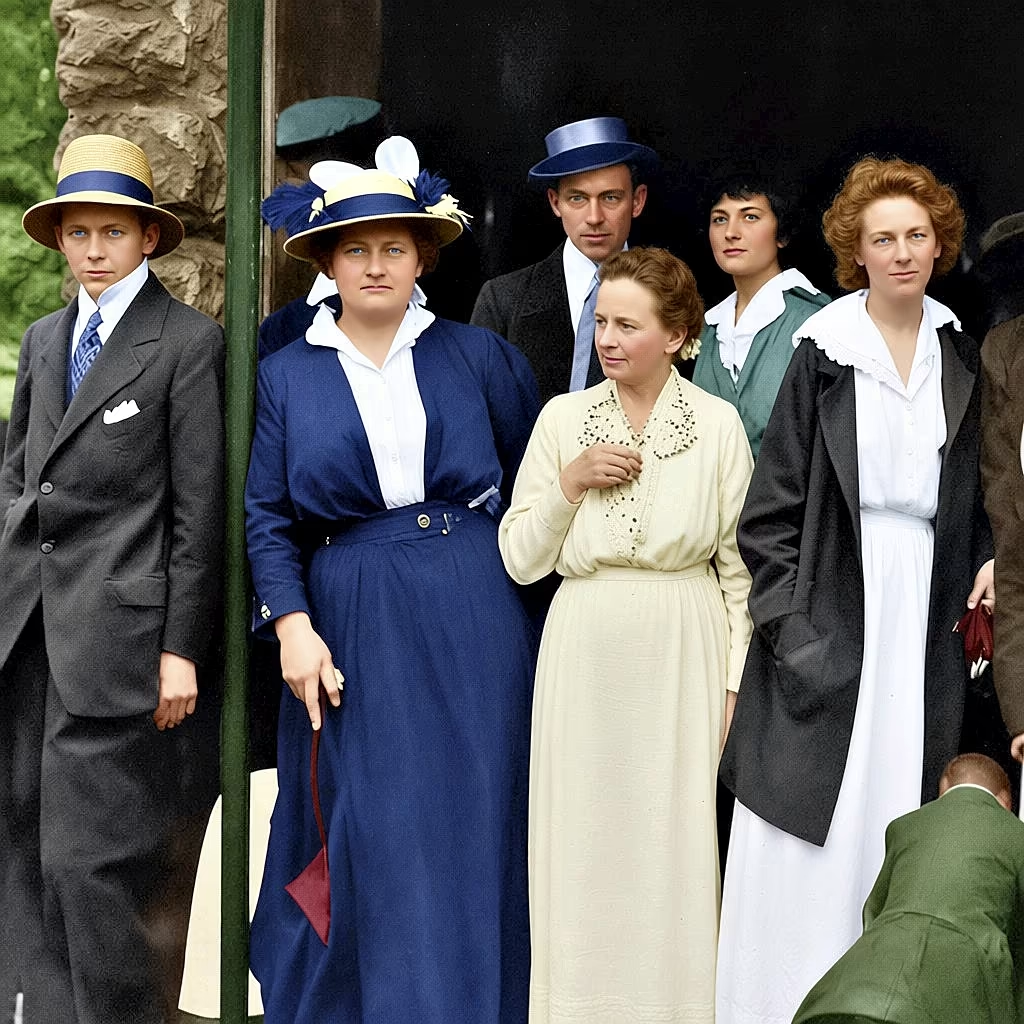
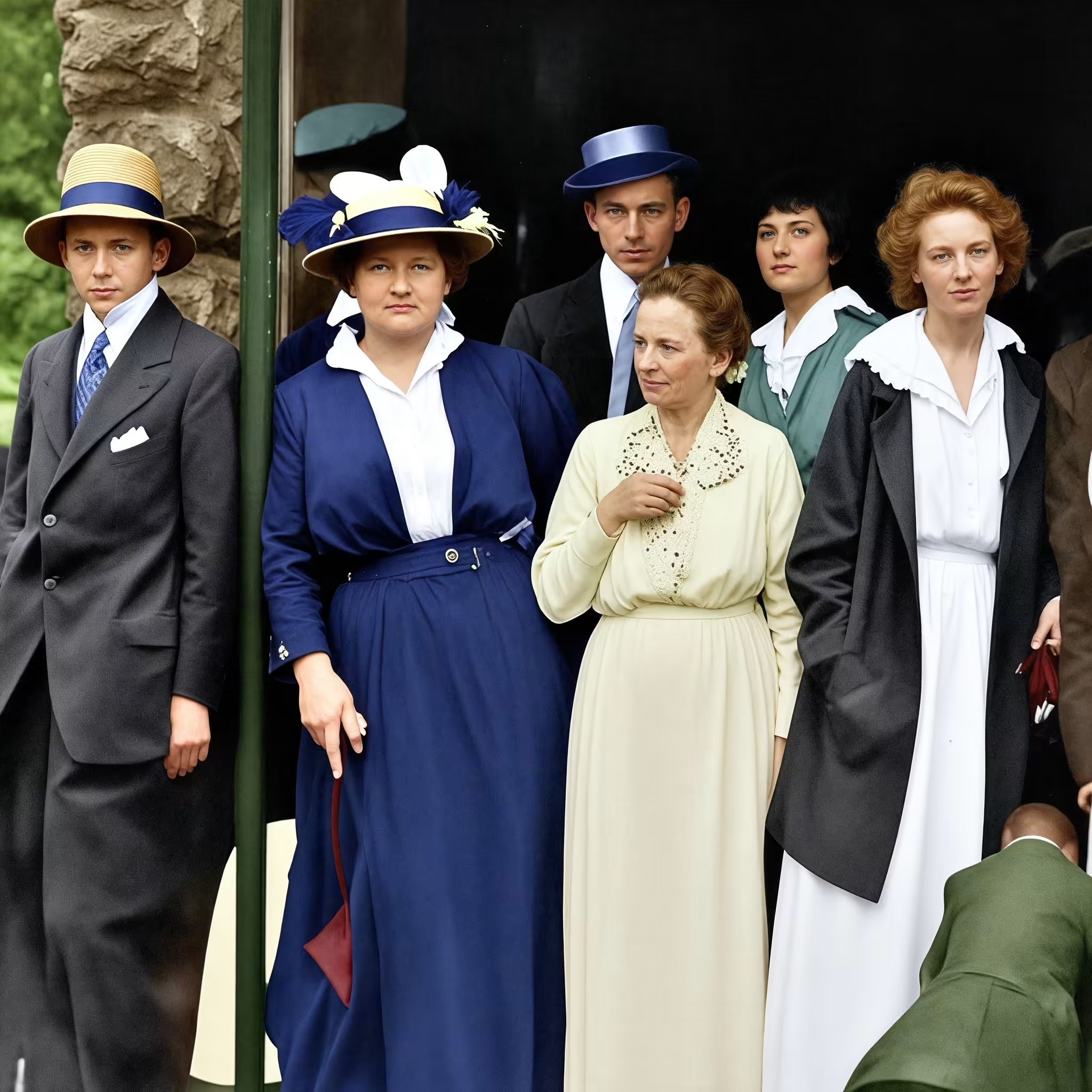
Imagine taking a blurry, low-quality photo and turning it into a crisp, high-definition image—like magic. That’s what real-world image super-resolution (Real-ISR) does. It fixes everyday photos damaged by blur, noise, or compression. But it’s tricky because real-life damage isn’t predictable. Old methods use fake damage for training, which doesn’t always work well on actual photos. New tools borrow “smarts” from AI image generators like Stable Diffusion to make better fixes. This paper [1] introduces OMGSR, a smart, fast system that uses just one key “step” in the AI process to get amazing results. It comes in two flavors: a quick one (OMGSR-S) and a super-detailed one (OMGSR-F). They shine at making 512-pixel images look pro, and even go higher to 1k or 2k pixels without glitches. By tweaking how the AI handles fuzzy starting points, OMGSR avoids common errors and delivers clear, natural-looking upgrades. It’s a game-changer for photo editing apps, medical scans, or old family albums—making high-quality fixes quick and easy.
 What Is OMGSR?
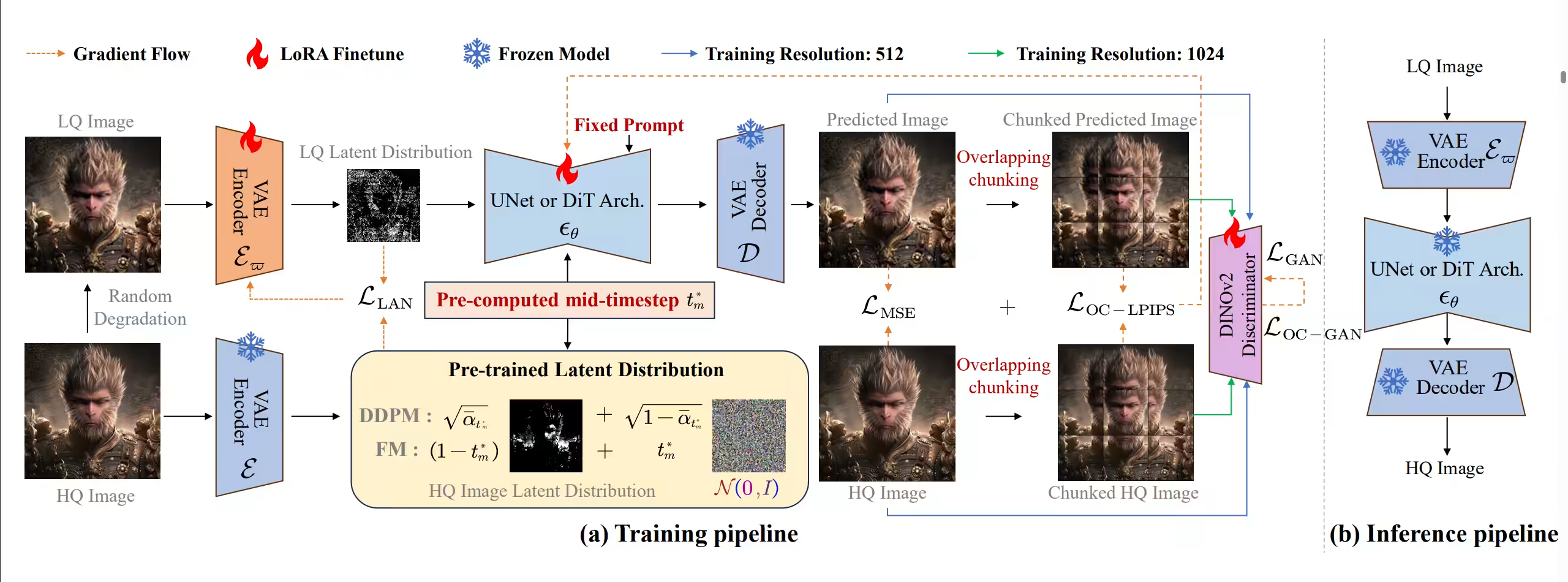
OMGSR is a new toolkit for upgrading fuzzy photos using AI “generators” that create images from noise, like Stable Diffusion or FLUX. These AIs work by starting with random fuzz and slowly sharpening it over many steps. For photo fixes, you feed in a blurry image (low-quality, or LQ) and want a sharp one (high-quality, or HQ). Old fast methods plop the blurry image right at the start, where everything’s super fuzzy—like mixing a clear picture into thick fog. That confuses the AI. OMGSR’s trick? Drop the blurry image in at a “middle step,” where the fuzz level matches better. This keeps the AI’s built-in know-how intact. It adds a special “refinement” step to fine-tune the fuzzy parts and a “chunk” method to avoid weird grid patterns in big images. The result? One quick pass gives sharp, realistic photos without hours of computing. OMGSR-S is speedy for everyday use; OMGSR-F nails tiny details like fur or faces. It’s like giving the AI a gentle nudge at the right moment to wake up its creativity.

 Why Do We Need This?
Photos get ruined in real life—think shaky phone shots or faded prints. Lab-trained AIs fix fake blur fine, but flop on the real stuff because they lack “life experience.” Big AI generators trained on millions of images fill that gap, learning patterns like textures or lighting. Slow methods use many steps to refine, but they’re too sluggish for apps. Fast “one-step” versions speed up by guessing the fix in one go, but starting with a blurry image mismatches the AI’s fuzzy training world. Tests show blurry photos fit better in the middle of the process, not the chaotic start. OMGSR spots this mismatch and fixes it, blending speed with smarts. No more over-sharpened edges or fake glitches—just natural upgrades that look real.
 How Does It Work?
Think of the AI as an artist sketching from a messy canvas. Normally, it starts with pure scribbles and erases step by step. OMGSR picks a middle sketch stage—say, halfway erased—where your blurry photo slots in naturally. It tweaks the canvas a bit to match the sharp goal, using simple checks to keep things smooth. To stop “checkerboard” blotches (like pixel puzzles gone wrong), it breaks big images into overlapping pieces, fixes each, and blends them seamlessly. Training uses pairs of blurry-sharp photos, but OMGSR learns efficiently with add-on tweaks (like LoRA) that don’t overhaul the whole AI. At runtime: Load blurry photo, nudge at mid-step, output sharp version. Done in seconds on a good computer. For bigger sizes, it tiles sections or chains steps, scaling to phone screens or billboards without losing quality.

 What Do the Tests Show?
Researchers tested on face photos and everyday scenes, faking real damage like blur or JPEG crunch. They measured sharpness, realism, and natural look with scores like PSNR (detail match) and LPIPS (eye appeal). OMGSR-F crushed rivals: Top scores across the board, like 26.6 on sharpness for tough cases—beating others by 1-2 points. OMGSR-S was fastest (under a second) with solid all-around results. At 1k pixels (phone HD), it captured fine hairs or distant faces perfectly. Zoomed samples showed no fuzzy spots or inventions—just true fixes. Even at 2k (ultra-HD), a two-part upscale kept everything crisp. Users would notice: Restored old pics look alive, not plastic.
 How Does It Stack Up?
OMGSR isn’t alone—lots of tools sharpen photos. But it blends speed and quality best. Here’s a quick side-by-side:
| Tool | Main Trick | Wins | Downsides |
|---|---|---|---|
| OSEDiff | Noise-guess shortcut | Super fast guesses | Blurry details sometimes |
| SinSR | Steady mapping | Reliable basics | Weaker on tricky edges |
| PiSA-SR | Split smart tweaks | Custom quality levels | Can wobble in training |
| TSD-SR | Goal-focused nudge | Good overall realism | Edges too sharp at times |
| FluxSR | Big AI backbone | Handles wild variety | Slower runs |
| OMGSR-F | Mid-step photo drop | Tops all scores, no glitches | Needs beefy computer |
OMGSR-F leads in clean, pro results; OMGSR-S matches speed demons without big drops. It’s like upgrading from a basic filter to a smart editor.

 Quick Checks on What Matters
To prove each part counts, they tested tweaks. Skip the mid-step? Scores drop 10-15%, with fuzzier outputs. No chunk fixes? Grid artifacts pop up in big pics. Without the refinement nudge? Colors and shapes drift unreal. Mid-step was key—early drop sharpened faster than starting fuzzy. Side-by-side photos confirmed: OMGSR’s versions looked most “real” to the eye, like pros touched them up.
 What’s Next?
OMGSR works great now, but could adapt to video or auto-pick the best step for super-bad photos. Pair it with text hints (“make it brighter”) for fun edits. As AIs grow, it’ll scale to 4K TVs or drone cams easily. This could revive lost photos in history books or spot details in medical X-rays—making AI a daily helper, not a lab toy.
 Wrapping It Up
OMGSR simplifies photo fixes: Drop the blurry shot mid-process, refine smartly, and get sharp results fast. OMGSR-F wows with details; OMGSR-S keeps it snappy. Pick F for perfection, S for quick wins. It’s a fresh take that makes AI generators everyday heroes, turning “meh” memories into “wow” keepers. As photo tech races on, tools like this make clarity just a click away—proving small tweaks yield big shines.